Supported games

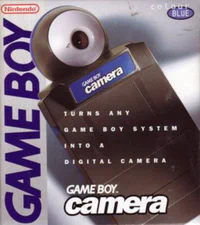
  • Game Boy Camera box art Game Boy Camera

Requirements

  • Game Boy, Game Boy Color, or Game Boy Advance
  • Game Boy Camera, or another game that can print
  • GB-Link adapter and a Game Boy Color (GBC) link cable
  • Chrome, Edge, or Firefox 151 or newer

How to use

  1. Insert the cartridge and turn the console on.
  2. Open printer.gblink.io and connect your adapter.
  3. In the game, print as you would to a real printer. In Game Boy Camera, open Print and print the photo.

The picture shows up on the page. Download it from there. The adapter light turns purple while the printer mode is running.
Tips

  • The file you save is a PNG.
  • If a refresh stops the printer from receiving, unplug the adapter and connect again.